
The final game under the name FIFA, EA Sports has launched FIFA 23 and fans are loving it while feeling nostalgic. While it is an end of an era, FIFA 23 is one of the best upgraded games in the series. With its modern HyperMotion 2 Gaming Technology, FIFA comes quite close to real-world football. However, there are still a few bugs that players are facing in FIFA 23 like DirectX Function Error Dx12Renderer/NvAPI_D3D12/DXGI Error Device Hung. Although players are enjoying the experience, facing errors can frustrating. Still like most errors, sooner or later this will be fixed. However, you can try some troubleshooting tips that we will mention in this guide. So let’s check out this guide and fix the DirectX function error.
How to Fix DirectX Function Error Dx12Renderer/NvAPI_D3D12/DXGI Error Device Hung in FIFA 23
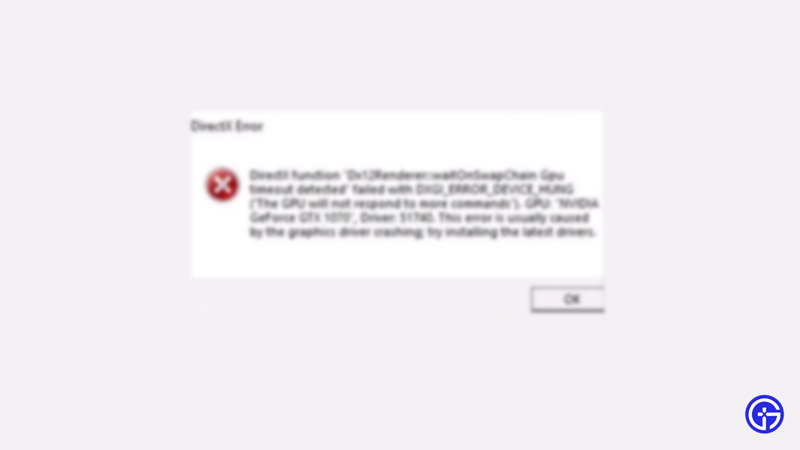
While there could be many reasons behind this error, the focus seems to be on DirectX. Though the error has become common, it is usually solvable with a few troubleshooting steps and that’s what we are listing below. Here’s how to fix DirectX Function Error Dx12Renderer/NvAPI_D3D12/DXGI Error Device Hung in FIFA 23.
Update GPU Drivers
GPU Drivers are one of the main components of PC gaming and they need to be kept updated constantly. If your GPU isn’t updated you are more likely to face the DirectX Function Error in FIFA 23. To fix it, simply head to the website of your GPU driver to check and download updates. Nvidia users can click here and AMD users can follow this link.
Update Windows
- Click on your Start Menu and then click on Settings.
- In the new window, you need to look for Update and Security.
- Now to update windows, click on the button that says Check For Updates.
- If there are updates pending, the display screen will show you the option to Update Windows.
That should fix the DirectX Function Error in FIFA 23. If it does not, try one of the other solutions.
Check for FIFA 23 Updates
If there are any updates for bug fixes or to bring new mechanics into the game, you will have to keep the game updated. It might show such errors if you do not update it. You can head over to the platform from which you bought the game to check for updates.
Verify Integrity of Game Files (Steam Users)
Steam Users can Verify the integrity of game files to eradicate corrupt files which may be causing the DirectX Function Error in FIFA 23.
- Open Steam and then Go to Steam Library.
- Navigate to FIFA 23 and right-click.
- Click on Properties from the drop-down menu.
- Locate Local Files and then Click on Verify Integrity of Game Files.
Reinstall DirectX
You can head over to the Microsoft website and install DirectX once again. It may be able to fix the DirectX Function Error in FIFA 23.
If all these do not work, close all the tasks and then restart your PC. Once that is done, launch the game and try to play. If the error persists, you can contact EA Sports Support to get a better grip on the problem and fix it easily.
That’s all there is on how to fix the DirectX Function Error in FIFA 23. While you are here, we have more FIFA 23 guides for you at Gamer Tweak.










