
Our Diablo 2 Resurrected Trade Guide will help you by showing you everything you need to know about trading with other players in the game. We will also look into how to trade in-game, and how values are calculated in the game. So without further ado, let’s jump right into it.
How to Trade in Diablo 2 Resurrected
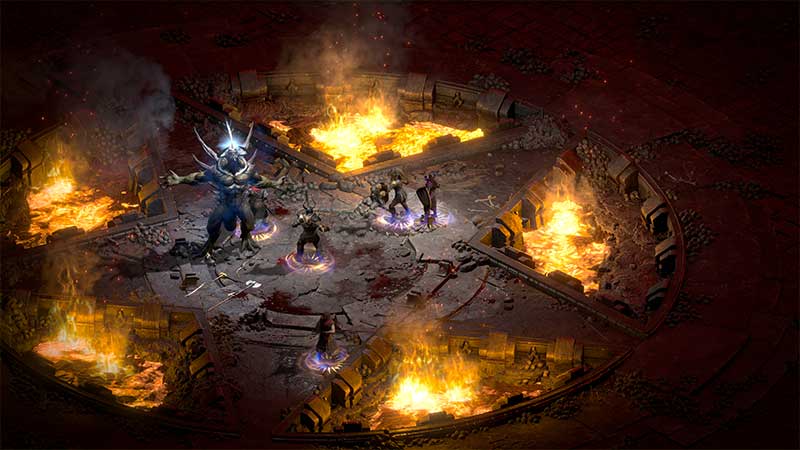
To trade in Diablo 2 Resurrected you can either interact with specific NPCs or with another player while in the same game. Gold will be the main form of currency while completing a trade with NPC, but many players prefer trading with runes or other equally valuable items in D2R.
How to Trade Items Between Players in Diablo 2 Resurrected?
While you are in-game with other players, ask if they are interested in Trading. If you are having trouble finding players to trade with then you may need to look for one through Discord channels or Battlenet lobby. It is quite easy to find one and get into the game instead of asking players while in the game. So with that said here’s how to trade with another player in D2R:
- You and the player ready to trade should join the same game.
- Click on another player to send them a request to start trading.
- Once they accept, a trade window will open up for you both.
- Note that you can only use the items you have in your inventory.
- Items in Horadric Cube and your main stash will not be accessible through the Trade window.
- Here you can place the item you wish to trade.
- Other players will also try to give equally valuable items or runes in return.
- Once you are happy with the deal click on the “Accept” button.
- Trading is available from Act 1 in D2R.
Trading in gold will also put a max cap on the amount of gold you can receive from a player or NPC. Here are the max gold trade values you can receive during trading in Diablo 2 Resurrected:
| Acts | Max Gold Cap |
| Act 1 | 5,000 Gold |
| Act 2 | 10,000 Gold |
| Act 3 | 15,000 Gold |
| Act 4 | 20,000 Gold |
| Act 5 | 25,000 Gold |
That’s everything to know about trading with players in our Diablo 2 Resurrected Trade Guide. While you are here, make sure to check out more of our Diablo 2 Resurrected Guides like, how to remove gems, how to fix chat not working issues, and a control guide for PC & all consoles.











