Diablo 2’s remaster suffered from various launch issues related to crashing, high GPU temps, characters being deleted, server overload, and authentication problems. And now, some are even getting the much-feared black screen in Diablo 2 Resurrected. Here’s what you need to do if the game is freezing and you are unable to continue playing.
How to Fix Black Screen in Diablo 2 Resurrected?
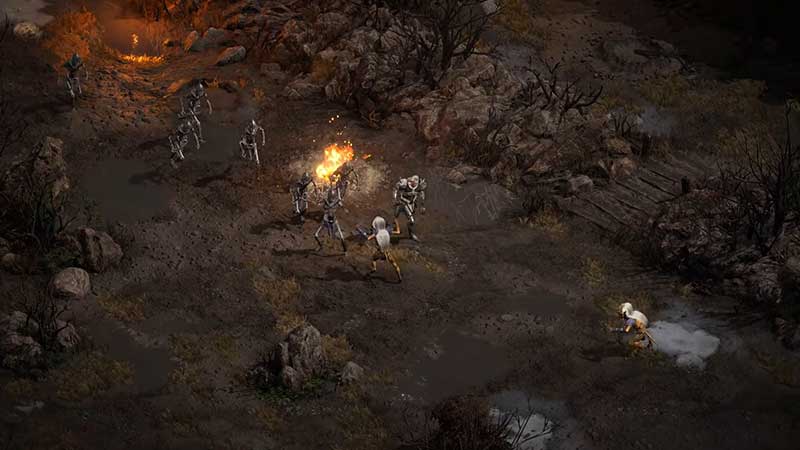
There is no official fix to resolve the black screen issue in Diablo 2 Resurrected irrespective of the time when the freezing occurred (at launch or mid-way). All you can do right now is close the game and relaunch it. Use alt + ctrl + del to switch to Task Manager. From here find the program, right-click on it, then click on “End Task” to immediately stop the process.
There are a few things you can check just to be sure that the issue isn’t from your end:
- Check your internet connection.
- Download the latest version of your GPU drivers.
- Give any necessary permissions to the firewall and/or your antivirus.
- Check the Diablo II resurrected server status.
- Ensure that your PC supports the minimum or recommended system requirements for D2R.
| MINIMUM REQUIREMENTS | RECOMMENDED SPECIFICATIONS | |
| OPERATING SYSTEM | Windows 10 | Windows 10 |
| PROCESSOR | Intel Core i3-3250 | Intel Core i5-9600k |
| AMD FX-4350 | AMD Ryzen 5 2600 | |
| VIDEO | Nvidia GTX 660 | Nvidia GTX 1060 |
| AMD Radeon HD 7850 | AMD Radeon RX 5500 XT | |
| MEMORY | 8 GB RAM | 16 GB RAM |
| HARD DRIVE SPACE | 30 GB | |
| NETWORK | Broadband Internet connection | |
| RESOLUTION | 1280 x 720 | |
If your system fits the requirements, then it’s the servers that are causing this problem. Once Blizzard fixes it and the servers become more stable, you will be able to jump into your game right away.
Also Read | How to Improve FPS in Diablo 2 Resurrected
That’s all about how to fix the Diablo 2 Resurrected black screen issue and freezing. In case the game is crashing as well or the in-game chat is not working, we’ve got guides to help you with that. There’s lots more in our D2R tips and tricks section so don’t miss it!