If you play Devil Hunter on Roblox, you may have heard players talk about the Trello board and the Discord server. These platforms are important resources for staying updated, finding new codes, and tracking game changes. Many Roblox games don’t have an all-in-one place for the latest information, but Devil Hunter makes it easier by offering the following spaces.
Official Devil Hunter Trello Board Link
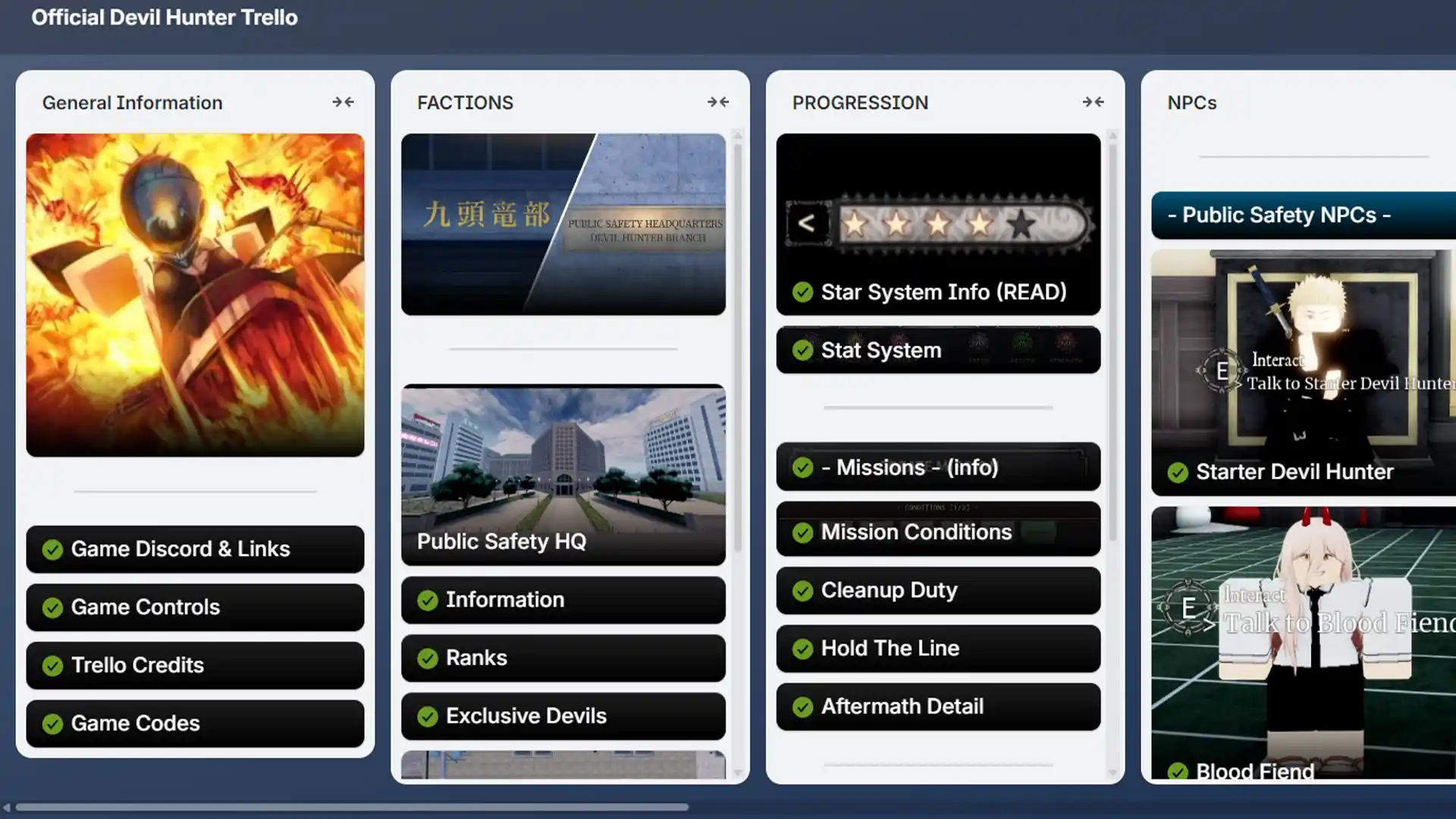
The Devil Hunter Trello board works like a public development journal. It lists upcoming features, bug fixes, planned changes, and notes about various mechanics, so if you want to stay up-to-date, this is the best way to do so.
Since Roblox developers often update the game with new fighting styles, bosses, and quality of life improvements, the Trello Board is a reliable way to see what is coming before you notice it in the game. You will also get context for balance changes, so you can understand why certain abilities or items were adjusted.
Official Devil Hunter Discord Server Link
Apart from the Trello, the Devil Hunter community maintains an active Discord server. Discord is where many players gather to chat, share clips, ask questions, and get help related to various issues.
The server often hosts official announcements, including codes, event details, and server-wide notices and if you’re an involved player, being there can give you early access to codes and game news that might not appear immediately on Roblox or social media.
In short, the Devil Hunter Trello:
- Acts as a public development board showing planned features, content currently being worked on, completed updates, and known bugs.
- Helps players understand upcoming mechanics, balance adjustments, and long term game direction using official developer notes.
…and the Devil Hunter Discord:
- Main community hub for announcements, codes, and update news.
- Allows players to discuss builds, ask questions, share progress, and give feedback directly to the community.