
Home > Dead by Daylight > DBD Crossplay: How To Add Cross-Platform Friends

DBD Crossplay Guide: How To Add Friends, In-Game Chat, Mobile Crossplay & More

Updated Date :

Dead by Daylight is best played with friends. If you are wondering how to add friends and connect with them via DBD crossplay, this guide will help you out. By following these steps, players from PC can play with those on Consoles (PS4, PS5, Xbox One, Xbox Series X|S, Nintendo Switch). Let’s look at how to invite friends and play multiplayer with them.

DBD Crossplay: How to Invite & Add Friends for Multiplayer

To add friends from other platforms and play DBD via crossplay, here’s what you need to do:

  • Launch Dead by Daylight.
  • Find your Friends list.
  • Click on the + icon to be able to add friends.
  • Type your friend’s DBD ID accurately. They will have a name with #[numbers] after that.

That’s pretty much all there is to it. After completing these steps, you can play with your cross-platform friends without any issues.
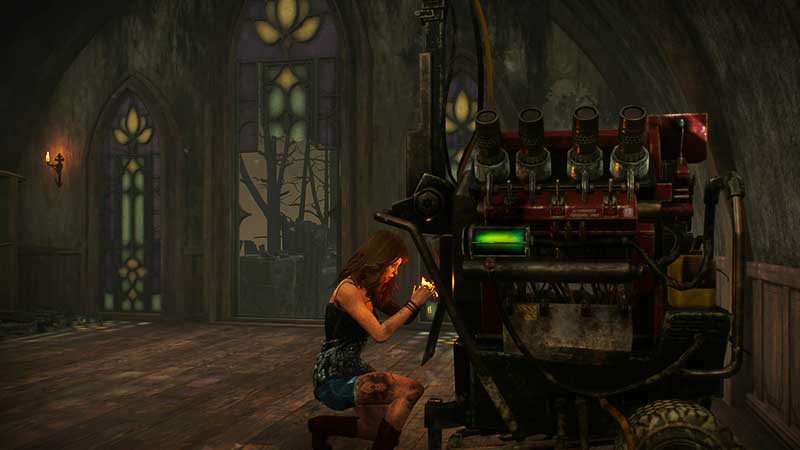
how to add cross platform friends dead by daylight

How to Turn off Dead by Daylight Crossplay?

If you feel that you don’t want to play with others on different platforms, you can turn off crossplay. Follow the steps below for this:

  • Visit Settings from the menu.
  • Disable Crossplay.
  • This is where you can toggle it on as well.
  • Make sure to do it if you are not in a lobby because this option will not be available during this time.

Once you disable crossplay, you can only play with players from the same platform. This also means that the matchmaking times will be longer since the amount of players will be narrowed down.

DBD Crossplay Chat

Console players will not be able to see the in-game chat but PC players get access to pre-game as well as post-game chat. You can use Discord to chat with other players easily, though.

Does Dead by Daylight Mobile have Crossplay?

DBD Mobile players can play with each other, that is Android and iOS players can enjoy this multiplayer game. But they cannot play with PC or Console players as of now.

That’s all you need to know about DBD Crossplay. While you are here, check out how to fix long Dead by Daylight queue times.


  • ZZZ Version 3.0 Is the Biggest Patch Yet: Here’s What Changed and Why It Matters More Than You Think

    ZZZ Version 3.0 Is the Biggest Patch Yet: Here’s What Changed and Why It Matters More Than You Think

    Published Date :

    Zenless Zone Zero 3.0 patch is the biggest patch since the launch of this game. With the introduction of a new element, a rarity tier, a free anniversary character, and an explorable region, you will find this patch launch exciting. It is necessary to learn what you should prioritize from all of these because of… Read More

  • Anime Duelists Codes (July 2026)

    Anime Duelists Codes (July 2026)

    Published Date :

    Anime Duelists follows the tried and tested formula of spinning stars to unlock fighters, sending them into battle and collecting rewards. If you want to get unique fighters, abilities, and progress through various realms, you need these code rewards! You can get anything from free Gems, Trait Rerolls, Stats Reroll, Super Luck, Star Speed potion,… Read More

  • Mini Cup Codes (July 2026)

    Mini Cup Codes (July 2026)

    Published Date :

    In Mini Cup, you open up packs to unlock footballers, build houses, and win matches against rival teams. This makes it a perfect mix of some of the most popular gameplay loops for soccer fans on Roblox. To grow your club, you’ll need cash, as well as special packs, which is where Mini Cup codes… Read More

  • Be The Final Boss Codes (July 2026)

    Be The Final Boss Codes (July 2026)

    Published Date :

    Now you can be the final boss! In this experience, you summon minions to fight for you and take down waves of heroes. To level up, you’ll need plenty of coins and various resources, which is where Be The Final Boss codes come in handy. If you wish to boost your character and stay one… Read More







