As a pirate sailing the open seas, your ship should look terrifying and unique and fortunately, the game does allow you to make it as per your requirement. One of the most exciting parts of traveling through the seas is when you get the opportunity to customize your ship in Sea of Thieves.
Although you will start with a beat-up one, it won’t be long before you can make it look grand. The ship you start with will have the traditional brown wood and white sails. However, as you play through the game, you will unlock and have access to more customizations. It is beyond any doubt that leveling up is a necessity to unlock more items for customization. This guide has covered everything you will need to personalize your ship and make it look special.
How to Customize Your Ship in Sea of Thieves
While you can change the exterior and interior of your ship and also place trinkets, you should know that there will be no added advantage for customizations. Although it is just like changing skins, you would obviously want to make your ship look better than the average.
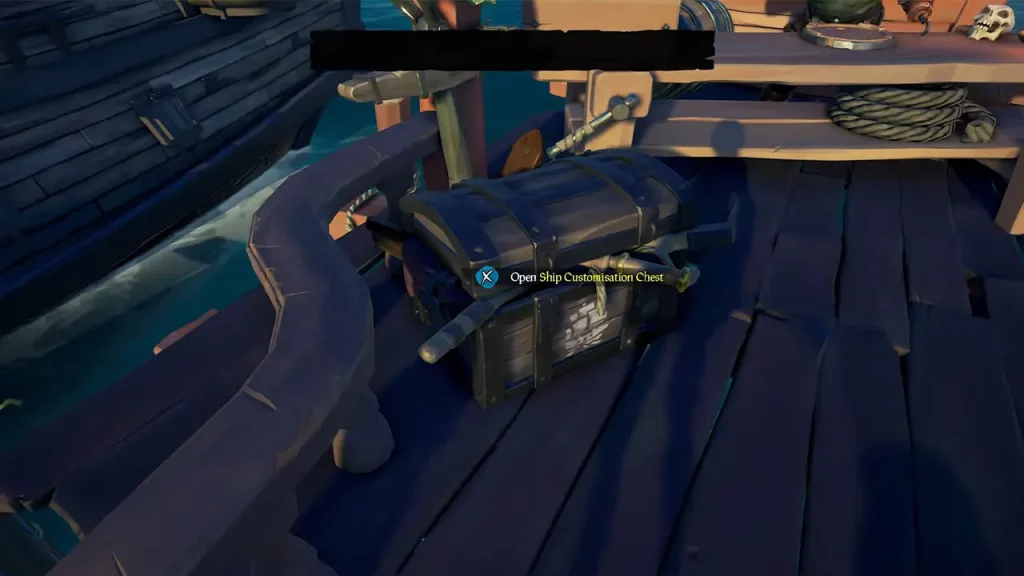
To customize your ship in Sea of Thieves, you will have to be next to the Ship Customization Chest in the Shipwright’s Shop. While the exterior can be changed normally, if you are looking to make changes in the interior, you will have to be a captain first.
How to Change the Exterior of Your Ship
- Head to the Shipwright’s Shop and then purchase the customization items that you want for your ship from the vendor.
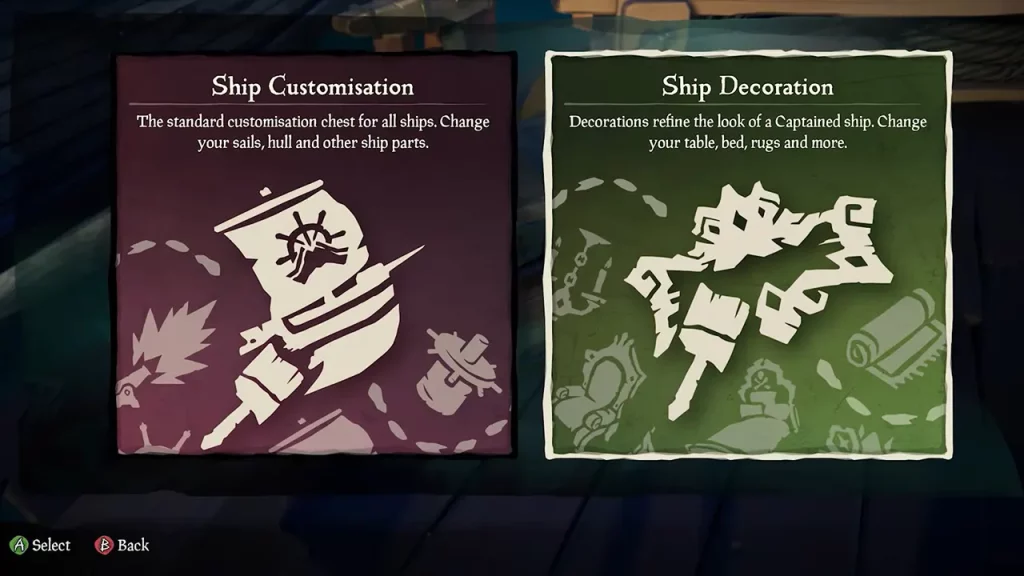
- Once you have the items, interact with the Ship Customization Chest to find two tabs, Ship Customization, and Ship Decoration.
- To change the exterior of your ship, select the Ship Customization option and you will see all that you own.
- Now, you can select the customization you want and get it on your ship. Exterior customization is one of the best ways to personalize your ship in Sea of Thieves since it is visible to others from the outside.
How to Change the Interior of Your Ship
- Head to the Shipwright’s Shop and then purchase the decoration items that you want for your ship from the vendor. However, keep in mind that there are certain items that may be exclusive to certain ships so make sure you don’t waste your currencies on those.
- Now, head to the Ship Customization Chest and then select the Ship Decoration option.
- You can select any decoration that you want to add to your ship if you are the captain.
How to Place Trinkets on Your Ship
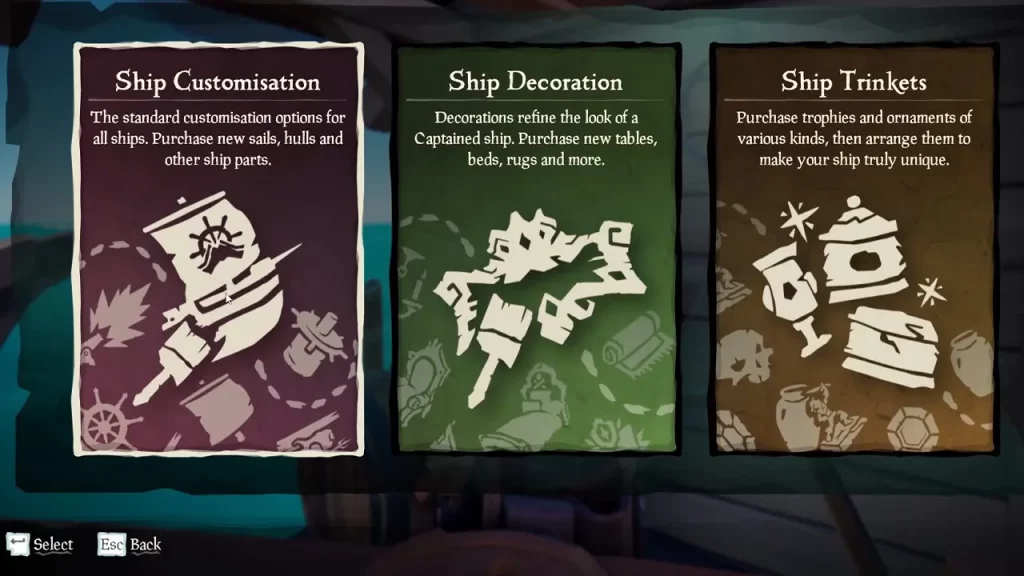
Fortunately, placing Trinkets on your ship does not require you to be close to the Ship Customization Chest. These are the only items that would allow you to do that while you customize your ship in Sea of Thieves. While you are on your ship, walk along the walls and near shelves, and you will find the option to place Trinkets. Press the button and then you will be taken to the Trinket Box that holds all the items that you can place.
That’s all you will need to customize your ship in Sea of Thieves. If you want to scuttle your ship or find the Horn of Fair Winds, check out our guides in our dedicated Sea of Thieves section right here at Gamer Tweak.