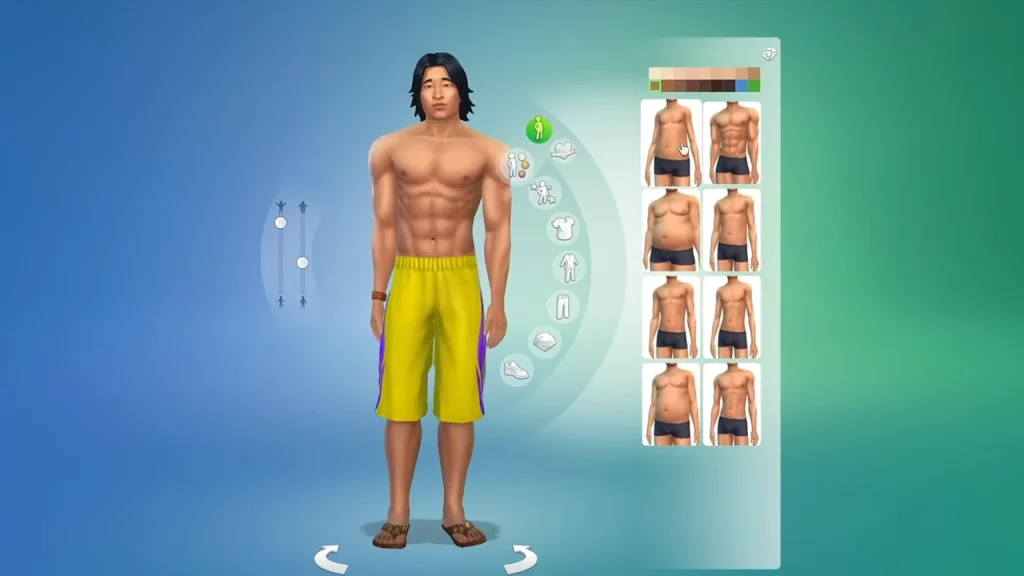
Creating the perfect Sim is a major part of the Sims 4 experience, but what happens when you’re met with the frustrating issue of Create a Sim not working? Since customizing the appearance, fashion, traits, and voice is crucial and going ahead with a random Sim is not something you want to go for, here’s what you can do to fix the problem and create your character easily.
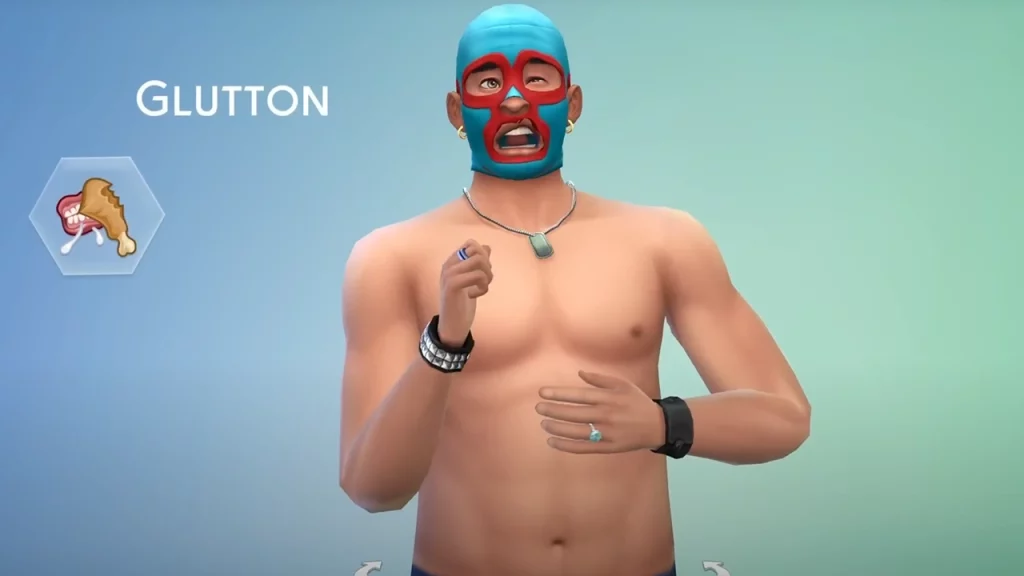
Sims 4 Create a Sim Not Working (Troubleshooting Tips)
Update the Game
Ensure your game and all expansion packs are fully updated to the latest version because outdated game versions can cause compatibility problems. This has to be done each time there’s a new patch.
Verify Game Integrity
If you’re playing on Epic Games, here’s how you can verify the game files and repair them:
- Open the Epic Games Launcher: Launch the Epic Games Launcher application on your PC.
- Locate the Game: Go to your game library and find Sims 4.
- Access Game Options: Click on the three dots to the right of the game’s name.
- Select Manage: From the dropdown menu, choose “Manage.”
- Verify: Click on the “Verify” button.
The Epic Games Launcher will scan your game files and replace any corrupted or missing files. This process may take some time depending on the game’s size.
If verifying game files doesn’t resolve the issue, you may want to consider reinstalling the game. Do this as a last resort especially if you’re playing via the EA app.
Disable Mods and Custom Content (CC)
Mods and CC can interfere with gameplay and this can happen each time there’s a game update. Temporarily remove them one by one to narrow down the issue. Of course, remember to back up your Mods and CC folder first.
How to Test for Broken Mods
- Remove other files from your Mods folder and only keep the mod that you are testing.
- Remember to delete the localthumbcache file because it has the memory cache of the mods. This has to be deleted to test and also to avoid mod conflict.
- Launch the game. Check if Create-a-Sim is working properly with the mod you are currently using.
- If it doesn’t work or launch at all, the mod is most likely broken.
Check for Conflicts

- Close any other software that might conflict with The Sims 4. This includes antivirus software which may try to block or interfere in the smooth running of games.
- Check the error messages: These can provide clues to the specific problem you may be having. Then, look up the solutions for that issue online, especially on the answers.ea.com forum.
- Update graphics drivers because outdated drivers are one of the main causes of compatibility issues.
Identify the Main Issue related to Create-a-Sim
- Create a Sim loading screen freezing? This could be due to mods, insufficient system resources, or corrupted files.
- Create a Sim keeps crashing? Check for conflicting mods, outdated drivers, or insufficient system memory.
- Create a Sim options missing? This might be caused by corrupted game files or missing packs.
Here’s what you can do to avoid facing this issue in the future.
- Regularly update the game: Staying up-to-date helps prevent issues.
- Manage mods and CC carefully: Only install trusted content and keep your mod folder organized.
- Back up your game files: This can be a lifesaver in case of issues because you don’t want to lose months of hard work because of one error.
These were the troubleshooting tips to potentially fix the issue where Create a Sim is not working. For more Sims 4, be sure to explore our dedicated category on Gamer Tweak.