FIFA 23 Ultimate Team is a mode wherein the developers allow you to build your Dream Squad and enter the Soccer field. Players can sign new players or sell their existing players with the help of the Transfer Market. This mode is enjoyed by players all over the world. This is the reason why EA brings significant changes in this mode every year. To mention it humorously, With Significant Changes Comes Possible Errors. The Connecting Error is not something new that the FIFA players are facing as this issue was encountered recently too. Although, check out this guide that features steps to solve the Connecting Error in FIFA 23 Ultimate Team.
How to fix the Connecting Error in FIFA 23 Ultimate Team
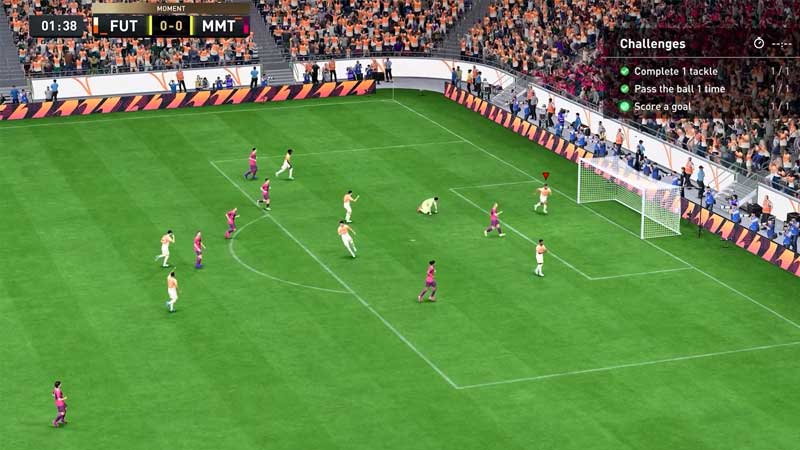
Here are all the possible fixes you can try to solve the connecting error:
- Reboot the game – Try to quit and restart the game as this mostly solves the problem while entering the EA servers again.
- Reboot your Router – Disconnect from the Internet and switch off your Router for a minute or two. Thereafter, switch it on and launch FIFA 23 Ultimate Team again to check if the connecting issue is solved.
- Check FIFA 23 Servers – Access this website and check if the EA Servers are working. If there’s a green circle inside a box then the servers are working completely fine.
- Check Windows Defender & Antivirus – Many times, some important game files are added to the quarantine section by Windows Defender or Antivirus. Make sure to check for the deleted files and it to the White List.
- Repair FIFA 23 – If you are playing the game on Steam then:
- Open Steam Launcher and right-click on FIFA 23 in your Library.
Further, click on Properties, and in the Local Files section, select Verify the Integrity of Game Files. - However, if you are playing on Origin:
- Open the Origin Launcher and enter your game’s Library.
- Later, right-click on FIFA 23 and click on Repair.
- Open Steam Launcher and right-click on FIFA 23 in your Library.
That’s all you can do to solve the Connecting Error in FIFA 23 Ultimate Team. If you found this article helpful, then make sure to check out our other FIFA 23 guides.