Many players have recently been unable to login into Conan Exiles servers. The message “Authentication Failed” gets displayed when the player tries to log into both public and private servers. Multiple factors can be the cause of this repeated error and here is a quick guide on how to fix the authentication failed error in Conan Exiles.
Server Authentication Failed in Conan Exiles fix
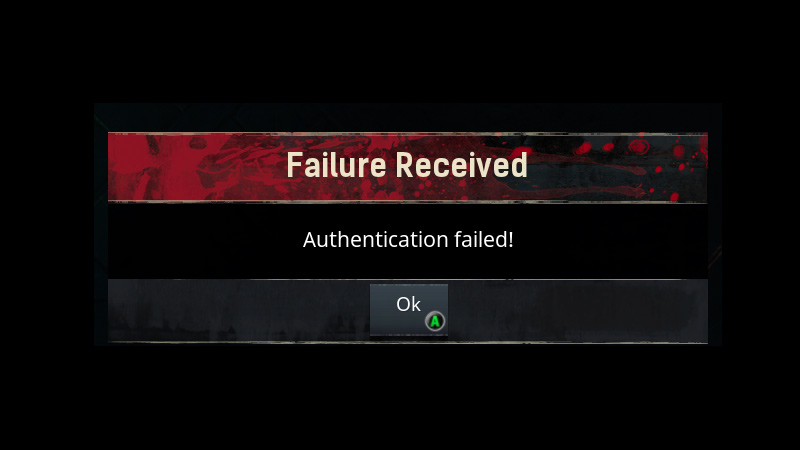
There are usually 2 main causes behind the authentication failed error.
- Unsuccessful BattlEye installation
- Funcom Live Services
Let’s look at each of these problems in detail.
Unsuccessful BattlEye installation
BattlEye is an anti-cheat tool that the game uses to prevent any cheats or tools from running while you’re in-game. Any error in its running can stop you from verifying your account with the game’s servers. The best method to solve this error is to reinstall the application. Down below are the required steps.
- Go to your Libary in Steam to the Conan Exile page.
- Open Properties by right-clicking on the icon. Go to the Local Files tab and select the Browse Local Files option.
- Open the BattlEye folder and locate the BattlEye installer, right-click the icon, and select Run as administrator.
- Try to join a Conan Exile server to check if the error’s been fixed.
Funcom Live Services
Unsuccessful BattlEye installation and other such issues can be the main reason behind the server authentication error. But the main culprit seems to be the game’s developer Funcom and their Live Servies department. Currently, Funcom Live Servies seem to be undergoing some technical issues due to which a majority of players are unable to log in to both public and private servers. The only solution to this is waiting for Funcom to fix their Live Services. Players who are eager to get online can try to brute force their way by trying multiple attempts to connect to the server.
That’s all the information we have on how to fix the server authentication error in Conan Exiles. Once you’re able to connect to the servers, check out our guide on Cheats and console commands for Conan Exiles here on Gamer Tweak.