
Chivalry 2 Matchmaking error is common to some users. While trying to connect to the match you will not able to connect to gameplay. Chivalry 2 Matchmaking failed due to many reasons. Here is a detailed guide on how to fix Chivalry 2 server issues.
How to Fix Chivalry 2 Matchmaking Failed Error?
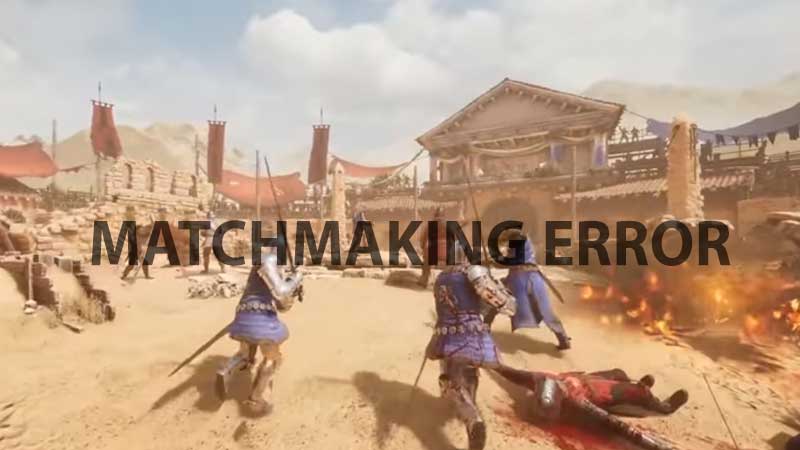
Chivalry 2 matchmaking fails for two reasons. First when you are unable to connect to the game servers and second when you have an unstable network. Chivalry 2 is an online multiplayer first-person slasher game. Where you join as a soldier and make your way into the battle arena.
If Chivalry 2 serves are down or if there are any technical issues you won’t be able to join a match. This is a short-term issue that is resolved by the developer itself. All you have to do is wait for some time to get rid of the error. Also, the error can be common to users who have high latency issues on their internet connection.
Try to check your internet connection first, second try connecting once again after some time. If you are getting this error frequently then you will have to wait for a longer time. Chances are there are many players seeking a match increasing load over the server. Currently, there are no exact settings or a patch to resolve this issue.
You can join a Chivalry 2 server manually via the game menu. Go to the Server Browser Menu and there you can connect to a server manually. When you go play directly the game tries to find the best possible players group. Here matchmaking can be affected due to players’ stats and other connectivity issues. So best stick with steps to join a Chivalry 2 server manually unless this error is sorted out.
Under the Server Browser menu of Chivalry 2, you can find options like game modes, map, number of players, server ping, etc. You can pick the best server based on these settings and enjoy the game. Other than Chivalry 2 Matchmaking issue there is a Black Screen issue at the game launch. If you are dealing with then hit the link to find out how to fix Chivalry 2 black screen problem.











