
The hit baseball gaming series is back with The Show 23, and it’s never been better. San Diego Studios have improved the game’s solid core gameplay with new updates and game modes. But the heart of the game remains rooted in the sport of baseball. Which position you play will affect your team’s ability to perform. Many players seem to think this choice is permanent, but thankfully that is not the case. Let’s look at how to change positions in MLB The Show 23.
How to Change Position in MLB The Show 23
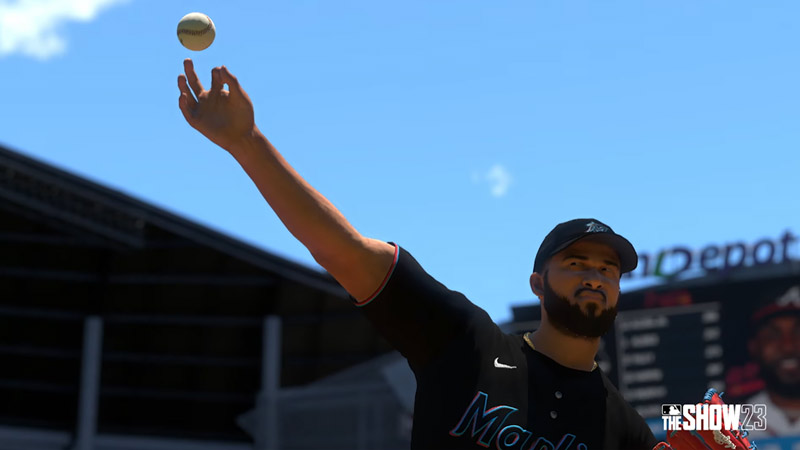
When players start the game’s career mode, they can start in either of three baseball positions: a Pitcher, a Position Player, or a Two-Way Player. Once you make that choice, you can start with a team and build your career. But as you play a few games, you might realize that you’d like to try out at other positions on the pitch. Fortunately, many easy ways exist to change positions in MLB the Show 23.
Talking to your Manager
As you play through the game, your manager will occasionally talk to you about trying a different position. The team’s manager might want to see how you fare at other spots on the pitch. This can even happen if a star player is trying to sabotage your career. This is a fantastic chance to try your hand at a different position. So if you manage to get this opportunity, change your position in MLB the Show 23.
Reach Out to your Agent
Your in-game agent will contact you at intervals in the game with news and offers from other teams. He will also ask about your progress in the team. During these conversations, you can talk to your agent about a possible change of position on your current team. The transfer depends on how good your OVR is compared to the player whose spot you want to take.
Start over in MLB the Show 23
If your stats are low and neither of the above options seems to bear fruit, you can always start over. This means you’ll have to create an all-new player character. Maybe this time, you can add a face scan of yourself to the game.
That’s all we have on how to change positions in MLB The Show 23. For more tips and tricks on the game, check out our MLB The Show 23 Guides here at Gamer Tweak.











