Home > Battlefield 2042 > Fix Battlefield 2042 Crashing Xbox Series X|S

Battlefield 2042 Crashing Xbox Series X|S Fix

Published Date :

As with most online games, Battlefield 2042 is facing some teething issues and the game is crashing on Xbox Series X|S consoles. Players are unable to play multiple matches because the game keeps freezing and disconnecting. In this article, we will look at all potential solutions/workarounds that you can use until BF2042 developers patch it out soon.

How to Fix Battlefield 2042 Crashing on Xbox Series X|S Consoles?
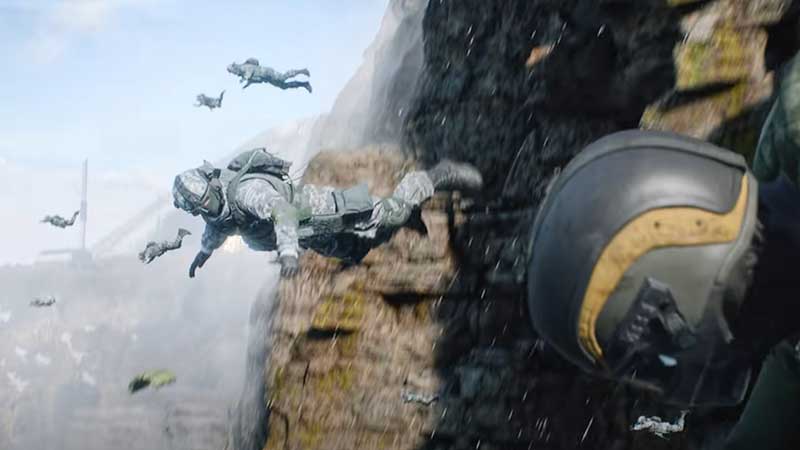
bf 2042 crashing xbox

These are the things you need to check if BF2042 is crashing on your Xbox consoles.

  • Close the game and relaunch
    • Selecting the Quit option for your game and then restart it and check if the issue is resolved.
  • Check for any game updates
    • Find out if there are any updates or patches that has potentially fixed the Battlefield 2042 crashing issue.
  • Check the Battlefield 2042 server status
    • If the servers are down, you will get connection issues, login problems and lag. Just in case the servers are having an outage/downtime period, all you can do is wait until the servers are back up and running.
  • Power Cycle your Xbox
    • Press and hold the power button of your Xbox console.
    • Do this for 10 seconds until the light goes off.
    • Remove the power plug.
    • Wait for 30 seconds.
    • Put the power plug back in.
    • Restart your Xbox console.
  • Clear up your Xbox’s cache
    • Press the Xbox button on your controller.
    • Click on Settings > System Settings > Storage.
    • Choose a storage device and press Y on your controller.
    • Click on Clear System Cache.
    • Now, click on Yes.
    • Restart your console.
    • Disconnect your router and wait for 60 seconds. Then re-connect it and see if the error persists.

If none of these workarounds work for you, then all that’s left to do is contact support and check out how they can assist you.

That’s all for this one. Meanwhile, if you’re looking for more tips, tricks and error fixes for Battlefield 2042, we’ve compiled a few guides for on Gamer Tweak.
  • Roblox Lowball Codes (August 2026)

    Roblox Lowball Codes (August 2026)

    Published Date :

    Buying items below their market value and flipping them for a profit is the fastest way to get rich in Lowball. Every successful negotiation grows your cash, letting you take on bigger trades and expand your inventory even further. If you want an extra boost without waiting for your next big deal, redeeming the latest… Read More

  • Junk Mechanics Codes (August 2026)

    Junk Mechanics Codes (August 2026)

    Published Date :

    Turning piles of scrap into powerful cars is the key to progressing in Junk Mechanics. As you keep playing, you’ll start needing plenty of cash for purchases and upgrades, which is why free rewards are always worth claiming. Be sure to redeem the latest Junk Mechanics codes whenever they’re available and check out this complete… Read More

  • GTA 6’s Extended Look Will Debut on Netflix Before YouTube

    GTA 6’s Extended Look Will Debut on Netflix Before YouTube

    Published Date :

    Rockstar Games has revealed an unexpected way for fans to watch the next major Grand Theft Auto 6 showcase. Instead of heading straight to YouTube, the studio’s upcoming Extended Look presentation will premiere first on Netflix, which means subscribers get an early preview before it becomes available to everyone else. It is set to air… Read More

  • Stream a Mukbang Codes (August 2026)

    Stream a Mukbang Codes (August 2026)

    Published Date :

    Mukbang games are gaining more popularity on Roblox these days, and Stream a Mukbang is where you eat food live, gain views, likes, followers, and earn cash for upgrades. As your live videos become more popular, you’ll need more resources to keep attracting new viewers, and that’s where free rewards can make a difference. Redeeming… Read More