
If you are wondering how to get Beta features on your Roblox account, then here is what you need to know about having early access to different aspects and options on the online gaming platform. Roblox often introduces new features through beta testing which allows developers to preview the incoming updates. They can then provide feedback based on their time before the non-beta members on the platform. So if you are interested access them and know what’s coming your way, find out how you can be a member yourself.
How to Get Beta Features on Roblox?
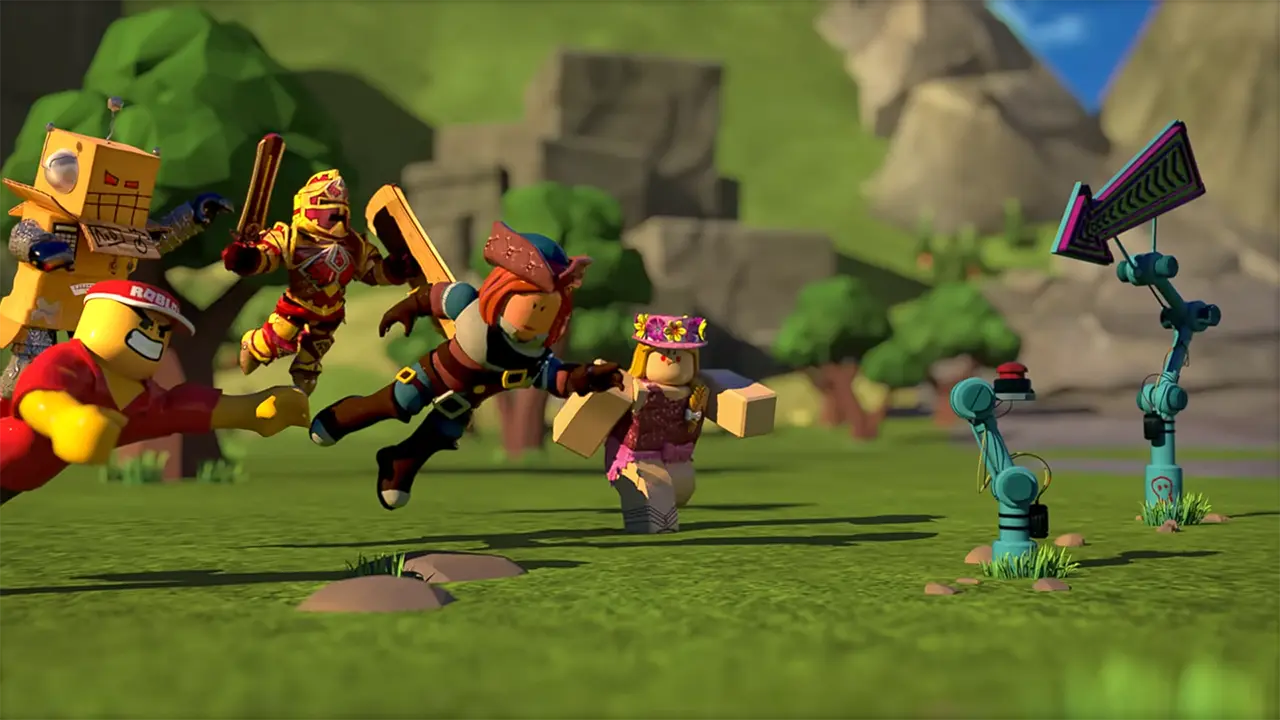
Unfortunately, as of now, the beta program has been closed for new developers on Roblox. It will remain closed up until the devs bring in a new system in the future to opt in or opt out of the program. Before this users could join in in the beta program by becoming a Devforum member and replying to the blog post by the official Roblox account. The post allowed users to opt in or opt out of the beta program at any time. One of the devs stated that the reason it was closed was due to scaling concerns. Currently, as per the post itself, users will have to wait for the official announcements on the developer forum.
With the beta program developers would have access to the following features:
- 700 players per server: Members had access to set up to max 700 players per server on Roblox experiences.
- Roblox Website Updates: Beta members can see the changes made on the Roblox webpage before they are made available to all the community members on the platform.
If you have listed already in the beta program, you won’t need to enroll again in the future. You will already be able to access all the features. Remember to keep a tab on all the announcements on the Devforum for future updates.
That’s everything covered on how to get beta features on Roblox. Want to know how you can be a notable creator here is how you can get verified on Roblox. And for more guides like these look out for our dedicated Roblox section, right here on Gamer Tweak.











