Looking to boost your gameplay by choosing the best sensitivity settings in Rainbow Six Siege? Then you have just arrived at the right place. Besides having better reflex skills, good control over recoil & steady aim helps a lot too. Your overall performance can be improved or degraded based on the settings you have adopted. That being said, check out this guide for some of the best sensitivity settings.
What are the Best Sensitivity Settings for Rainbow Six Siege?
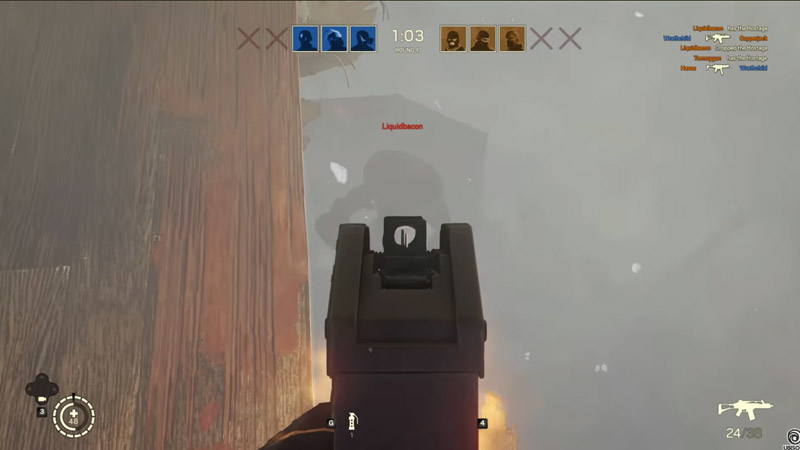
Here are the best mouse sensitivity settings for you:
- Raw Input – Mouse/Keyboard – Off
- Mouse Look Inversion- Disabled
- Mouse Sensitivity Horizontal – 99
- Mouse Sensitivity Vertical – 99
- Mouse ADS Sensitivity
- Mouse ADS Sensitivity – Advanced
- Standard ADS Sensitivity – 39 (If Enabled)
- 1.0x Magnification – 51
- 1.5x Magnification – 89
- 2.0x Magnification – 95
- 2.5x Magnification – 98
- 3.0x Magnification – 100
- 4.0x Magnification – 103
- 5.0x Magnification – 105
- 12.0x Magnification – 113
- Aim – Hold
- Lean – Toggle
Thanks to Pogir (YouTube) for sharing this Sensitivity Settings with us.
Best Controller Sensitivity Settings (PlayStation & Xbox)
Here are the best sensitivity settings if you are playing Rainbow Six Siege on PlayStation or Xbox Controller:
- Vibration – Enabled
- Aim Assist – Disabled
- Look Inversion – Disabled
- Controller Rotation – Classic
- Vertical Sensitivity – 28
- Horizontal Sensitivity – 78
- Left Stick Dead Zone (%) – 5
- Right Stick Dead Dead One (%) – 5
- Controller ADS Sensitivity
- Controller ADS Sensitivity – Advanced
- Standard ADS Sensitivity – 18 (If Enabled)
- 1.0x Magnification – 15
- 1.5x Magnification – 23
- 2.0x Magnification – 21
- 2.5x Magnification – 25
- 3.0x Magnification – 25
- 4.0x Magnification – 25
- 5.0x Magnification – 25
- 12.0x Magnification – 28
- Aim – Hold
- Lean – Toggle
The above sensitivity settings are what we found the best suited while playing Rainbow Six Siege. There is a chance that you may not feel comfortable while playing with these settings
on. Hence, we recommend you keep experimenting until you find your best victory settings.
That covers everything on the best Rainbow Six Siege Sensitivity Settings for both Mouse & Controllers. While you are here, make sure to check out other Rainbow Six Siege Guides right here on Gamer Tweak.