Several players are looking for save editors for Elden Ring. There can be multiple reasons why you would want to use one. The most common problem is players losing their progress due to save files getting corrupted. When you put 50, 100, or even more hours of time on a character, losing it really sucks. While starting over is an option, it isn’t the most appealing, especially after losing all your progress. Others also need this tool when they want to transfer their saves over to PS5 from PC or vice versa. At the same time, many need to lower their level to enjoy some PvP. But regardless of whatever your reason may be for needing one, here are the options that you can use.
Disclaimer: Using save file managers or such editors may result in your account being banned. You will still be able to play offline and single-player; however, you may lose online access to features like PvP. So, you should be aware of these risks before you decide to try one out.
Best Save Editors to Use for Elden Ring
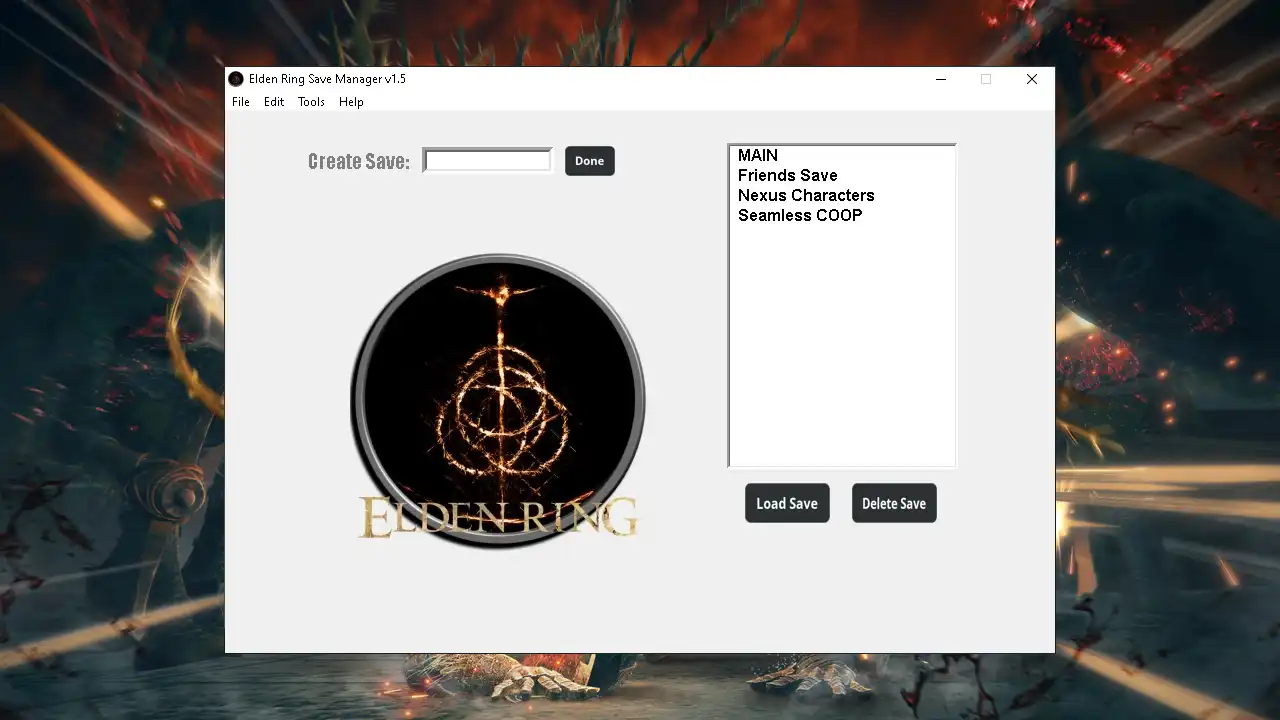
The two current best save editors for this game are:
- Elden Ring Save Manager by avoidthedog
- ER Save Editor by ClayAmore
You can find both of these on Nexusmods. Some of the useful features that these mods give you include:
- Ability to change item quantities.
- Ability to change character stats.
- Adding Runes.
- Being able to change character gender.
- Delevel characters as per the current PVP meta.
- Copy characters between save files.
- Restoring already deleted characters.
- Being able to duplicate characters in the same save file.
The above are just some features; depending on the mod, you will have more options to play with. Do remember that these mods aren’t official. While Nexusmods is safe, you shouldn’t use them if you don’t trust them.
That is all for the save editors that you can use for Elden Ring. If you are preparing for Shadow of the Erdtree you should check our guides on the DLC requirements and both ways to get to Mohg.