Home > Minecraft > Minecraft Bedrock Unable To Connect To World Error Fix

Minecraft Bedrock Unable To Connect To World Error (Fix)

Published Date :

The Mojang Studios made Minecraft Bedrock edition has been quite the entertainment. Without a doubt one of the best sandbox video games, Minecraft enjoys a huge chunk of the gaming audience with its procedurally generated world. And while the game has seen its fair share of highs, they have not been without lows. Lows here are related to the multiple errors and bugs that the devs have faced and although they fixed these, new ones seem to pop out. Recently, a new error has come to light that has been frustrating players. In this guide, we will show you how to fix the Unable To Connect To World Error in Minecraft Bedrock.

How to Fix ‘Unable to Connect to World Error’ in Minecraft Bedrock
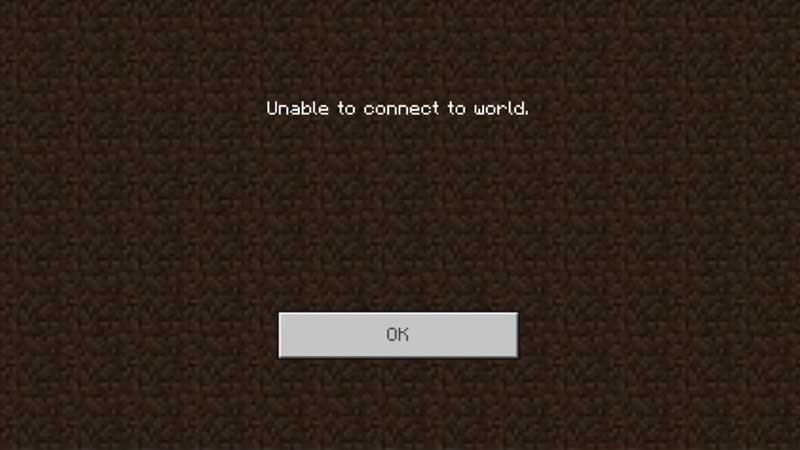
Minecraft Bedrock Unable to Connect to World Error Fix

It is understandable how frustrating an error is when you just want some game time. That is why it is important that we fix this error quickly. Listed below are the steps that you need to fix the Unable to Connect to World Error in Minecraft Bedrock:

  • While it is not clear how this error is related to the account, sign-out and sign-in do work like a charm.
  • So from your Minecraft screen, head to the Settings and then open Profile.
  • If you are an Xbox User, you will have to Click on Manage Account and then follow the steps to log out.
  • If you are a PC User, you can simply sign out from the Profile screen. This should be the first fix on your way to getting rid of the Unable to Connect to World error.
  • Next, when you launch the game again, you will get the option to Sign in again from the same location.
  • Once you hit Sign in, you will get two options, Click on the Save to Microsoft Account option.
  • You will now be able to play the game and the Unable to Connect to World Error will be fixed.

That’s all you need on how to Fix the Unable to Connect to World Error in Minecraft Bedrock. If you liked this guide, we have more guides on Minecraft that you will like to read with Gamer Tweak.


  • Lurking Giants Codes (July 2026)

    Lurking Giants Codes (July 2026)

    Published Date :

    The name of this game says it all – lurking giants are hunting you down, and surviving isn’t going to be easy. As you continue playing, you’ll earn Coins that can be spent on unlocking new Giants, perks, emotes, and other shop items. Fortunately, you don’t have to rely entirely on gameplay to build up… Read More

  • Shinobi Way Codes (July 2026)

    Shinobi Way Codes (July 2026)

    Published Date :

    Every shinobi starts as a rookie, but mastering powerful jutsu and defeating dangerous enemies is what separates legendary ninjas from everyone else. In this adventure game, you’ll complete quests, battle opponents, strengthen your character, and unlock new abilities. Redeeming Shinobi Way codes is one of the best ways to level up your character because you… Read More

  • Digimon Up Codes (July 2026)

    Digimon Up Codes (July 2026)

    Published Date :

    Digimon Up codes provide various freebies, including DigiEmeralds, that you can redeem right away! Once you’ve picked the right partner, fed and trained them, as well as Digivolved them, you will be ready for battle and victory. The steps to redeem these goodies can be slightly confusing if it’s your first time, so we have… Read More

  • Build an Ore Crusher Codes (July 2026)

    Build an Ore Crusher Codes (July 2026)

    Published Date :

    Building an efficient mining empire takes effort and in Build an Ore Crusher, your goal is to create a processing line that goes from Crushing ores to earning cash for profit. As your operation grows, you’ll unlock better equipment, automate production, and earn enough money to expand your factory even further. To add to it,… Read More