If you are wondering how to backstab in Lords of the Fallen, it’s alright as these combat mechanics can be a bit confusing at times. Being the most recent Soulslike game this year, Lords of the Fallen is the reboot of the previous game of the same name. Whether it’s an Umbral or an Axiom world, mastering some combat skills is purely essential to your playthrough. One of these includes the Backstab or the Grievous Strike in LOTF. As with the recent Soulslikes such as Lies of P, Backstab can be a hack to deal massive damage to your enemies and bosses.
However, Backstabbing enemies in LOTF works differently as compared to other Soulslike or FromSoftware games. You must complete a prerequisite before executing a Grievous Strike in Lords of the Fallen. Don’t worry, here’s where you can find out how to backstab and stagger enemies.
How to Backstab Enemies in Lords of the Fallen (Grievous Strike)
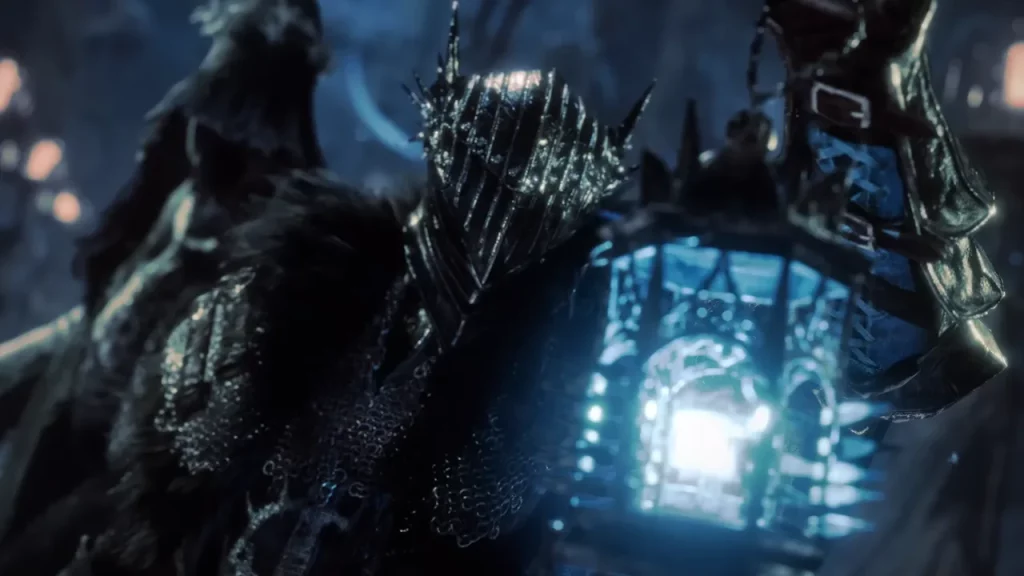
To perform a backstab in Lords of the Fallen, you can land a Grievous Strike on a staggered enemy once you have depleted their posture. This is indicated by a red lock-on dot reticle, unlike the normal white reticle. There are two ways you can execute a Grievous Strike against enemies.
- Backstab – Use a basic attack by moving behind the staggered enemy.
- Frontstab – Use a basic attack from in front of the staggered enemy.
How to Stun Enemies (Reduce Posture)
You can reduce the enemy’s posture and stagger enemies through combat in Lords of the Fallen. This is indicated by a white lock-on reticle which highlights their remaining posture. Once it’s depleted entirely, it results in your enemies becoming staggered. Then, you can perform a backstab or a frontstab by executing a Grievous Strike.
Here are all the ways to reduce enemy posture in LOTF:
- Kick – Press the shift and left mouse buttons (PC), LB and RB buttons (Xbox), or L1 and R2 (PS) buttons.
- Parry – Equip a shield before the incoming attack from enemies. For that, press the Shift key (PC), LB (Xbox), or L1 (PS) buttons.
- Charged Heavy Attack – Press and hold the Right-click mouse (PC), RT (Xbox), or R2 (PS) buttons.
That’s all about how to backstab enemies in Lords of the Fallen. If you found this guide helpful, explore more Lords of the Fallen Guides right here on Gamer Tweak.