If you are reading this, then there is a high chance you have enjoyed the game a lot, and seen the multiple endings. Even if you are still playing the game, are you looking to get more out of your experience? This Ascended Mod does exactly that. This mod will make your gameplay more challenging with various game-changing elements. If you have already used any ‘Ascended mod’ in previous Soul games, then you know what you are getting from this mod. For everyone else, this is something you need to experience yourself. Here’s how to install & get Elden Ring Ascended Mod. Also, everything you need to know to avoid getting banned.
How to Install & Get Elden Ring Ascended Mod
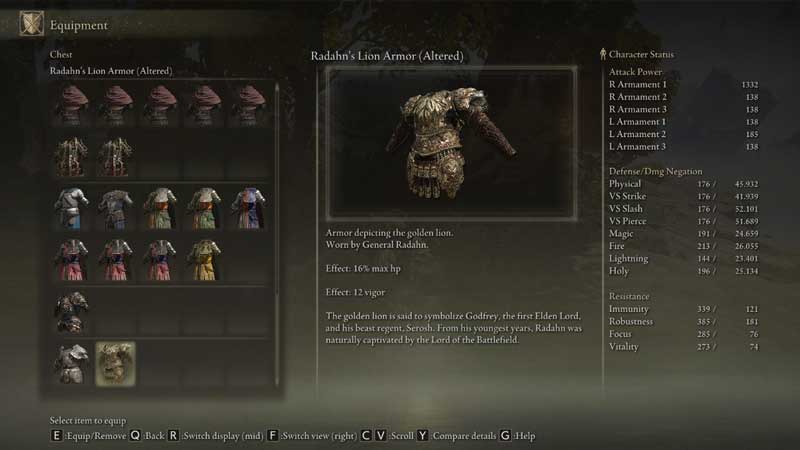
To install and get Elden Ring Ascended Mod you need to download it from Nexusmods. But there are some steps you need to do before playing, to not get banned in the Elden Ring. Let’s look at how to do this right now. Also, note that modding is only currently possible in the PC version of the game. The console versions do not have any straightforward way to install Elden Ring Mods.
You need to start by enabling “Offline mode” in your game. Then download “Anti-cheat Toggler and Offline Launcher“. This is the easiest way to enable anti-cheat in Elden Ring. Once you download the zip file, copy the all files inside into your “ELDEN RING\Game\” folder (like one in Steam game path). Now open the “toggle_anti_cheat.exe” file. You are now good to go with the rest of the processes.
So here are the rest of the steps directly from this mod’s creator VanBuinen:
- Create a new Character Save file in-game.
- Copy the files from the ModEngine & paste them into your Elden Ring game folder
- Also, make sure to copy the Regulation file into your Elden Ring game folder
- Now run the “launchmod_eldenring.bat” file
- Enjoy the Ascended Mod
Here’s a video from the YT channel LobosJr, showcasing new Enemy stats, items, and more from this mod:
That’s all about how to install & get Elden Ring Ascended Mod. While you are here, please make sure to check out our Elden Ring Guides for more tips & tricks.