
Home > Gaming Guides > How To Add & Invite Friends In The First Descendant

The First Descendant: How To Add & Invite Friends

Published Date :

The First Descendant open beta is out and with crossplay enabled, players are wondering how they can add and invite friends to play multiplayer. While the game is not clear with the instructions, it’s quite easy to add and invite friends. Looter-shooter games are one of the best ones if you want to enjoy a multiplayer session with your friends so hopefully, you will also find this game as entertaining as we have. In this guide, we will show you how to add and invite your friends to play multiplayer.

How to Invite Friends in the First Descendant
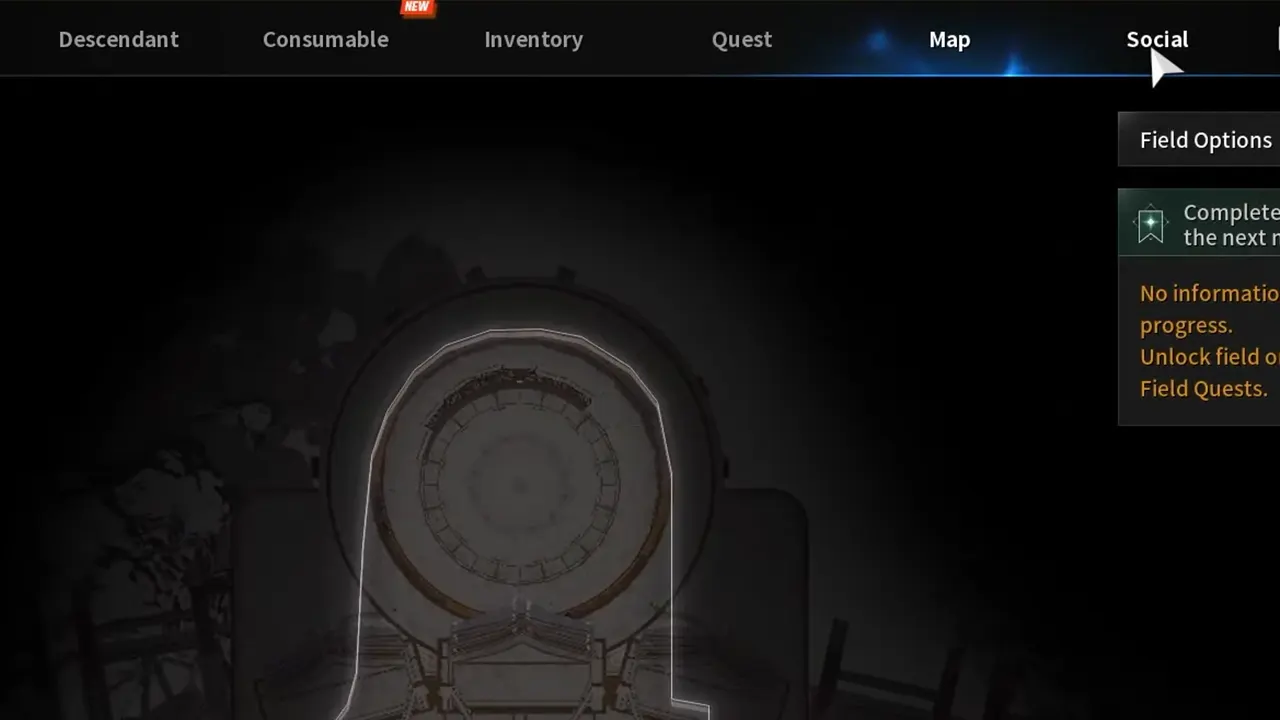
The First Descendant How To Add & Invite Friends to Play Multiplayer

  • To invite friends in the First Descendant, open the Map and then head to the Social tab.
  • You will find the options for Squad and Find User.
  • If you have added your friends to your list, simply scroll down your Squad list and then select the ones you want to play with.
  • Now, you will get the option to send them a Party Invitation or Whisper.
  • Once you select Party Invitation, you can play multiplayer with your friends.

How to Add Friends

  • If you are yet to add your friends but want to invite and play multiplayer with them in The First Descendant, simply get their user ID and then you can place it in the text box under Find User.
  • Now, you will get the option to add them or send a Party Invitation. Whichever you would want to choose.
  • Due to some bug, a few players cannot add their friends right now. However, you can search for their ID and then invite them to your party and play together.

Keep in mind that The First Descendant is still in the beta phase and is subject to numerous changes going forward. If there is a change in the multiplayer mechanics of the game, we will update it right here.

That’s all we have on how to add and invite your friends to play multiplayer in the First Descendant. If you found this guide useful, check out our other Game Guides while you are here at Gamer Tweak.


  • Level Your Weapon Codes (July 2026)

    Level Your Weapon Codes (July 2026)

    Published Date :

    Level your Weapon has quite an addictive gameplay – you start with a weak weapon, but you keep adding XP Crystals to it; the weapon gets stronger, helping you take down increasingly powerful enemies. Leveling up slowly is part of the fun; however, free rewards can make that grind a little smoother. If you’re looking… Read More

  • Mine a Planet Codes (July 2026)

    Mine a Planet Codes (July 2026)

    Published Date :

    Getting rich in Mine a Planet requires you to use laser drones to blast apart a giant voxel planet and evolve/upgrade as you go; however, codes can give you a significant boost while you’re at it! If you don’t want to look for the latest rewards everywhere, don’t worry; here’s the complete list as well… Read More

  • Reminiscence Zombies Codes (July 2026)

    Reminiscence Zombies Codes (July 2026)

    Published Date :

    Whether you’re trying to survive longer or strengthen your loadout, free rewards are always worth claiming. Developers occasionally release Reminiscence Zombies codes that give you Z-Tokens and special cosmetics for free, so we’ve gathered every active one in this guide for quick and easy access. Last checked for new codes on July 16, 2026. All… Read More

  • Zombie Island Codes (July 2026)

    Zombie Island Codes (July 2026)

    Published Date :

    Running short of Diamonds? Don’t worry, the devs regularly release Zombie Island codes that give you thousands of Diamonds for free. If you and your squad want to survive much longer, you don’t want to miss out on these rewards. So, here’s the complete list of codes that you can claim right away! Last checked… Read More








